Loading app

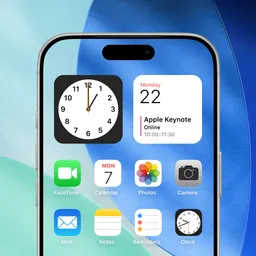
Transform your cluttered home screen into an organized space with this straightforward launcher. It simplifies your phone usage by providing oversized buttons and clear text, making it ideal for users who want a personalized yet easy-to-navigate interface. This page provides the official, genuine, unmodified APK for Easy Homescreen, free to download.
Easy Homescreen is a custom launcher designed to simplify your Android experience. It helps you keep your apps and shortcuts organized with a minimalist design. This launcher focuses on frequently used tools, making it easier to navigate your phone.
The APK available here is the genuine, official, unmodified version from the developer, Homescreen Apps. You can download it with confidence, knowing it does not contain any harmful modifications or malware. Installing this launcher is safe for your device.
Yes, Easy Homescreen is free to download and use without any hidden charges.
Yes, the app can be used offline once it is installed.
Easy Homescreen is compatible with most Android devices running a modern version of the operating system.
To uninstall, go to your device's Settings, select Apps, find Easy Homescreen, and choose the uninstall option.
Updates are provided by the developer to enhance functionality and security; you can check for updates within the app.
Bug fixes and stability improvements
Released Jun 10, 2026
Not sure what a permission allows? Learn what these mean.

Tap into drama & personalize your Home Screen with a unique launcher experience

Make email easy with swipe inbox access, home screen widget, and quick replies